A solar app showing zero production can mean two very different things: your system genuinely isn’t generating power (due to an inverter fault, a tripped breaker, or a wiring issue)—or your system is producing fine, but the monitoring lost its connection (due to a Wi-Fi dropout, a failed gateway, or a discontinued app after your installer closed). Telling the difference is the first step, and it determines whether you need a hardware repair or just a network reconnection. Either way, leaving it dark costs you money.
Opening your solar monitoring app on a beautifully sunny day only to see a flatline of zero production is a sinking feeling. You installed solar to watch your meter spin backward and your utility bills disappear, so when the data suddenly stops, it’s natural to assume the worst.
Did lightning strike the roof? Did a squirrel chew through a vital wire? Did the entire system just die?
Take a deep breath. In many cases, your solar panels are still happily converting sunlight into electricity, but the “messenger” that sends that data to your phone has simply lost its way. If your solar app is showing zero production, the problem may be with the monitoring connection rather than the solar system itself.
However, if the system is genuinely shut down, every day you wait to fix it is a day of lost energy savings and lost renewable energy credits. Here is exactly how to decode what your app is trying to tell you, how to check your hardware, and how to get your data flowing again.
Your Solar App Says Zero — Before You Panic, Here’s What It Might Mean
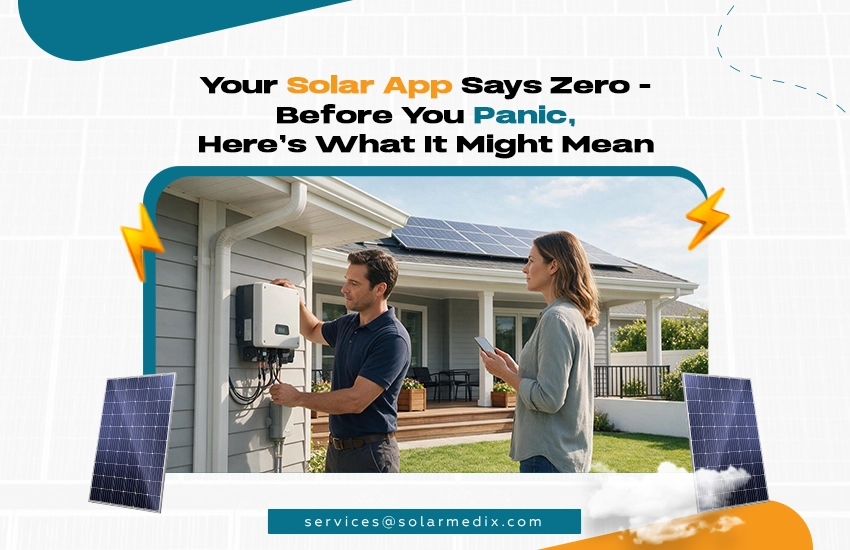
Don’t assume your panels are broken just yet. The problem often lies in the connection, not the equipment. When your solar app stops updating, the software itself doesn’t always know why the data stopped flowing; it just knows it isn’t receiving any new numbers. That’s why it defaults to displaying a scary “zero.”
To figure out what’s really happening, we have to look past the screen and look at the physical equipment mounted on your home.
What Does “Zero Production” in Your Solar App Actually Tell You?
Simply put, “zero production” means your solar manufacturer’s cloud servers (like Enphase Enlighten or SolarEdge monitoring) have stopped receiving data packets from your home’s system. It does not necessarily mean your panels have stopped producing electricity.
Two Very Different Reasons Your App Shows No Output
When diagnosing a blank app, we are looking at two distinct categories of failure:
- A Production Fault: The system is completely shut down. The panels or inverter are offline, and zero electricity is flowing into your home.
- A Monitoring (Connectivity) Fault: The system is actively generating power and lowering your electric bill, but it cannot connect to the internet to tell the app about it.
Production Fault vs. Monitoring Fault: What’s the Difference?
Think of your solar system like a person working in a remote office. A production fault means the person is sick and not doing any work. A monitoring fault means the person is working hard all day, but their phone is broken so they can’t call you to report their progress. Both scenarios result in silence on your end, but only one means the work has actually stopped.
What Can You Safely Check Yourself Before Calling a Technician?
Before scheduling a diagnostic visit, you can perform a few safe, ground-level checks:
- Check your home Wi-Fi: Did you recently change your internet provider, get a new router, or change your Wi-Fi password? If so, your solar system is still trying to connect to the old network. You can often reconnect it yourself using standard Wi-Fi troubleshooting steps.
- Check the main breaker: Go to your home’s main electrical panel and look for the breaker labeled “Solar” or “Photovoltaic.” If it is tripped (sitting in the middle position), firmly switch it completely to the “Off” position, and then back to “On.”
- Look at the inverter: If you have a central string inverter mounted on the side of your house or in your garage, look at the LED indicator lights on the front of the unit.
What Do Inverter Status Lights Mean? Green, Amber, Red Explained
Every inverter brand is slightly different; they generally follow a universal color code:
- Solid Green: Everything is perfect. Power is flowing, and the internet is connected.
- Blinking Green or Amber/Orange: The system is producing power, but it cannot connect to the internet. (This confirms a monitoring fault).
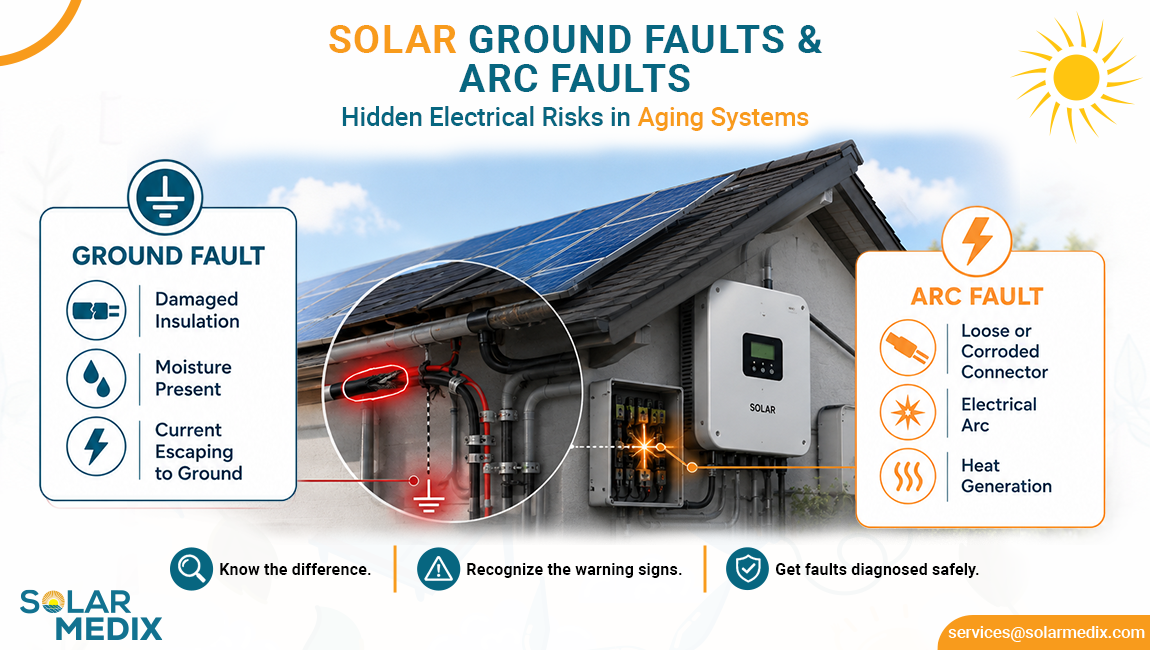
- Solid or Blinking Red: The system has detected a critical error (like a ground fault or grid voltage issue) and has safely shut itself down. (This confirms a production fault).
Does It Matter If Monitoring Is Offline for a Few Days?
If you have verified that the inverter lights are green/amber and the system is still producing power, being offline for a few days won’t hurt the equipment. Your gateway device will actually store your production data internally for a limited time and upload it all at once when it reconnects to the internet. However, leaving it disconnected for weeks or months is incredibly risky.
Checking the LED status lights on your central inverter can quickly tell you if your system is producing power.
Why Did My Solar Monitoring Stop Working — And What’s It Actually Costing Me?
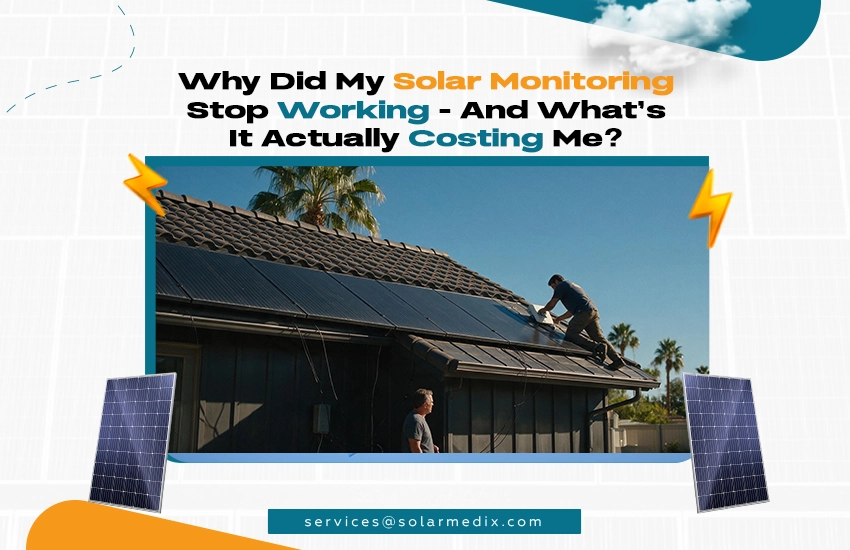
A loss of monitoring doesn’t just keep you in the dark—in states with active incentive programs, it can directly drain your wallet.
Sometimes, monitoring faults aren’t caused by Wi-Fi changes; they are caused by shifts in the solar industry itself. If your original installation company has closed its doors, your app’s blackout might be tied to their business failure.
Why Monitoring Stops Working After an Installer Goes Out of Business
When a solar installer goes bankrupt or closes, the systems they installed become what the industry calls a solar orphan. Often, smaller installers use proprietary or third-party fleet management apps to white-label their monitoring. When the installer stops paying the software licensing fees for that app, the app simply gets shut down, leaving you completely locked out of your own system’s data.
What Happens to Your Monitoring Account When a Solar Company Closes
If your app shuts down because your installer closed, your physical hardware (the Enphase microinverters or SolarEdge inverter) is usually still perfectly fine and still communicating with the manufacturer’s main servers. You just no longer have the “key” to view that data.
You need a new, certified Operations & Maintenance (O&M) provider to legally migrate your system’s digital profile away from the dead installer’s fleet and directly into your own name.
How Long Has Your System Been Dark? Why Timeline Matters
If your monitoring has been offline for a day, it’s an annoyance. If it has been offline for six months, it’s a massive financial liability. Without monitoring, a severe production fault could occur—like a chewed wire or a blown fuse—and you wouldn’t know about it until you received a massive, unexpected bill from your utility company months later.
How Lost Monitoring Silently Drains Your SREC-II Income in New Jersey
For homeowners in New Jersey participating in the Successor Solar Incentive (SuSI) program, monitoring is not optional; it is mandatory. To earn your SREC-II payouts, your system must actively report its generation data to the state tracking agency. If your gateway is disconnected, you cannot report your generation. According to the NJ Board of Public Utilities (NJBPU), if you fail to report your generation for an extended period, you simply forfeit those renewable energy credits. A broken Wi-Fi connection can literally cost you hundreds of dollars in missed state checks.
What Is a Solar Monitoring Gateway — And Can It Fail?
The “gateway” (often called an Envoy for Enphase, or a monitoring board inside a SolarEdge inverter) is a small computer that talks to your solar panels and translates their data to your Wi-Fi router. Like any computer running 24/7 in a hot garage or on a sun-baked wall, these gateways can burn out, suffer from power surges, or experience hardware failure. When the gateway dies, the app goes to zero, even if the panels are still working.
Solar Inverter Communication Faults: What Causes Them and What They Mean
Sometimes the gateway is fine, but it can’t talk to the panels on the roof. This is a communication fault. It is usually caused by “electrical noise” on your home’s power lines (often from old pool pumps or heavy appliances) that scrambles the signal between the roof and the gateway.
Can Solar Monitoring Be Fixed Without Replacing the Whole System?
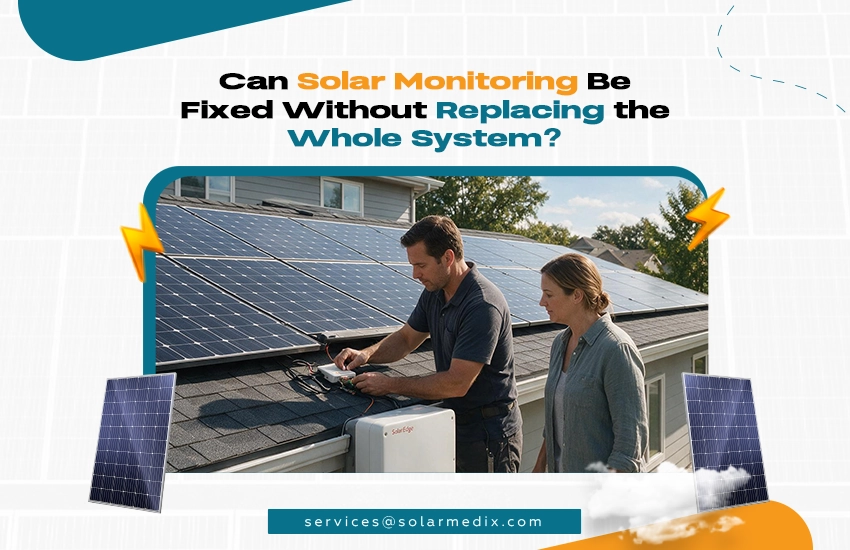
Yes. Restoring your system’s brain does not require replacing its muscle.
Many homeowners fear that a broken monitoring system means they have to replace expensive panels or high-voltage wiring. Fortunately, monitoring issues are almost entirely software, network, or low-voltage hardware problems.
Almost Always Yes — Here’s What Monitoring Repair Usually Involves
A professional solar monitoring repair is highly targeted. Technicians do not need to remove panels from your roof. Instead, they focus entirely on the gateway device, your home’s network configuration, and the manufacturer’s software platform.
Fixing Connectivity vs. Replacing a Gateway vs. Migrating an Account
The repair falls into one of three categories:
- Connectivity Fix: The technician installs a hardwired Ethernet connection or a cellular modem to bypass a weak Wi-Fi router entirely.
- Hardware Replacement: The technician swaps out a fried gateway board for a new one and pairs it with your existing panels.
- Account Migration: The technician contacts the manufacturer, proves you own the home, and transfers the digital monitoring rights from your bankrupt installer to a brand-new, first-party app on your phone.
What Brands of Solar Monitoring Does Solar Medix Service?
Our certified technicians hold advanced diagnostics access for all major tier-one manufacturers. We routinely repair, update, and migrate monitoring platforms for Enphase (Enlighten), SolarEdge, SMA (Sunny Portal), Generac, and Tesla.
What If My Monitoring App Was Discontinued When My Installer Closed?
If your third-party app is dead, we will perform a digital migration. We will bypass the defunct software and register your hardware directly with the primary equipment manufacturer. This gives you access to the official, stable monitoring app (like Enphase or SolarEdge) that will never go out of business.
How Is a Monitoring Fault Different From an Inverter Fault?
If our diagnostic determines the issue is actually a production fault—meaning the inverter itself has failed and is no longer converting DC power to AC power—that requires a completely different repair. In that case, we will initiate a solar inverter repair or manage the manufacturer’s RMA warranty process to get the heavy hardware replaced.
Can Solar Medix Restore Monitoring on a System They Didn’t Install?
Absolutely. As an independent Operations & Maintenance (O&M) provider, we specialize in rescuing orphaned systems. We can step in, diagnose the failure, and legally take over the monitoring management for systems originally installed by companies that no longer exist.
What Does a Monitoring Diagnostic Include?
A professional diagnostic includes a network signal strength test, a firmware check on the gateway, a physical inspection of the communication wiring, and a direct inquiry with the manufacturer’s backend servers to ensure your account is properly registered and unblocked.
Solar Medix Gets Your Monitoring Back Online — Whatever the Cause
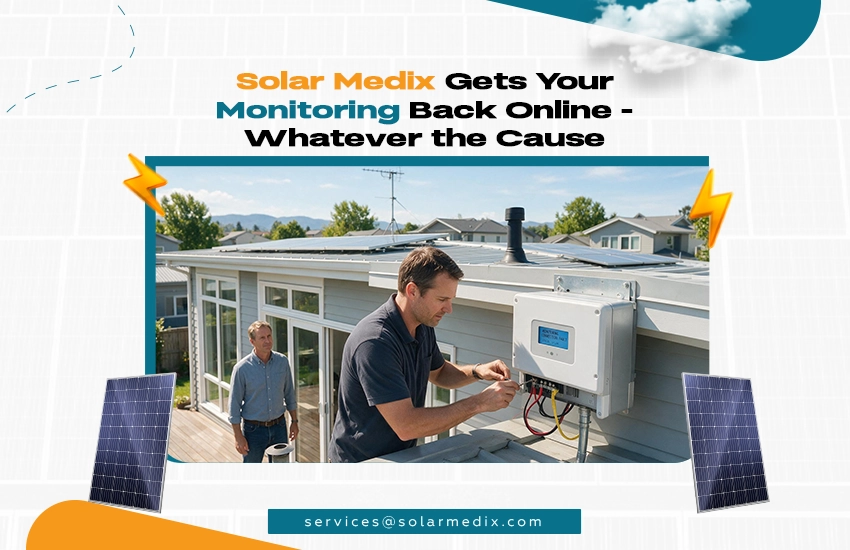
Stop guessing what the zero means. Let our technicians secure your data, protect your SREC income, and get your system communicating again.
When your app goes dark, you are flying blind. At Solar Medix, we eliminate the guesswork. We isolate the problem, fix the hardware, and restore your digital access so you can trust your solar investment is actually working for you.
What Solar Medix’s Monitoring Diagnostic Process Looks Like
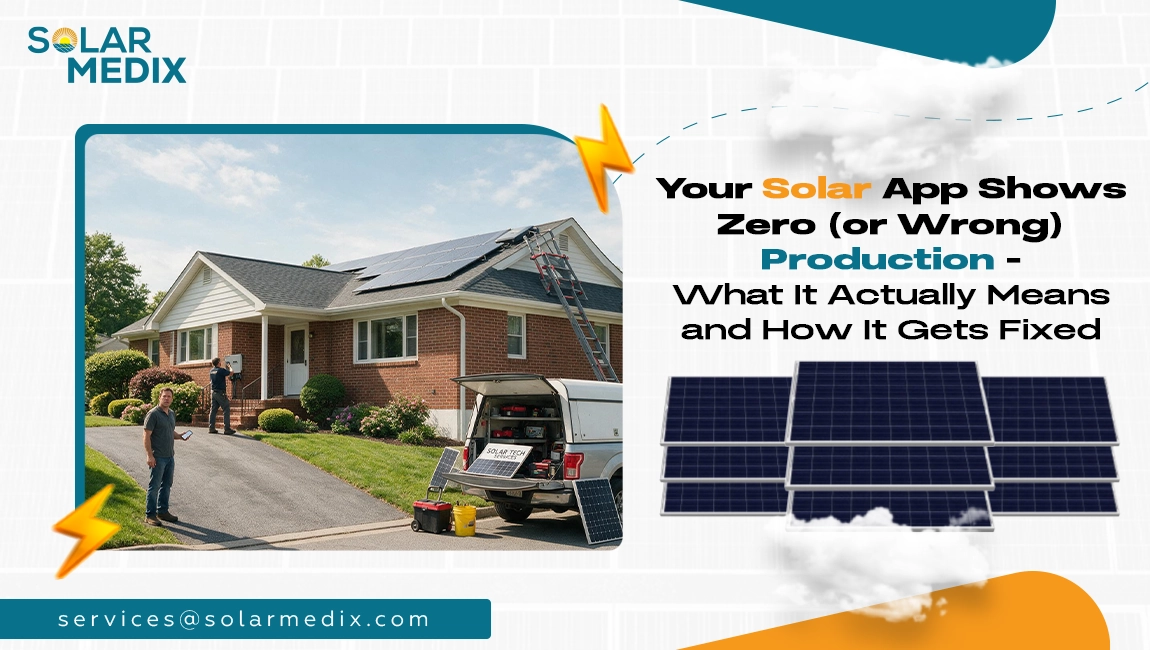
When we arrive at your home, our goal is to answer one question immediately: Is the system producing? We test the high-voltage lines first. Once we confirm your panels are safe and active, we move directly to the low-voltage communication systems, testing your gateway, network strength, and software permissions until we find the break in the chain.
How We Separate a Production Fault From a Connectivity Fault in One Visit
You don’t need two separate appointments. Our cross-trained technicians are licensed to handle both high-voltage residential solar services and complex network IT issues. If the monitoring fault is hiding a deeper production fault, we have the tools and authorization to fix both in the same visit.
Getting Orphaned Monitoring Back on a Supported Platform
If you are locked out of your system because of a bankrupt installer, we will handle the red tape. We work directly with Enphase, SolarEdge, and SEIA-standardized consumer protection protocols to verify your ownership and migrate your system to a stable, supported platform under our active care.
How Quickly Can Solar Medix Respond in NJ, NY & TX?
Because a loss of monitoring can cost you state incentives and hide dangerous electrical faults, we prioritize these service calls. We can typically deploy a certified technician to your home in New Jersey, New York, or Texas within a matter of days.
What Happens After Monitoring Is Restored: Ongoing O&M Options
Once your app is back online, we don’t just walk away. If you are a solar orphan, we offer ongoing, proactive monitoring services. Instead of you checking the app every day, our software watches your system 24/7. If a panel drops out or an inverter throws an error code, we know about it immediately and can dispatch a fix before you even see it on your electric bill.
Don’t Let Your System Stay in the Dark
An app stuck on zero is your system asking for help. Don’t wait — every day dark is production and income you can’t recover. Solar Medix diagnoses monitoring and production faults, gets your system reporting again, and handles any underlying repairs — all in one visit.
FAQs
My solar app shows zero production — is my system broken?
Not necessarily. A zero can mean your system is genuinely shut down, or it can simply mean your system is still generating electricity but has lost its Wi-Fi connection and cannot update the app.
What is the difference between a production fault and a monitoring fault?
A production fault means the hardware has failed and your home is not receiving solar power. A monitoring fault means the system is working perfectly and saving you money, but it cannot communicate its data to the internet.
What can I safely check myself before calling a technician?
You can check if your home Wi-Fi router is working, ensure your internet password hasn’t changed, and verify that the main solar breaker in your electrical panel hasn’t tripped.
What do inverter status lights (green, amber, red) mean?
Generally, solid green means perfect operation. Blinking green or amber means the system is producing power but lacks an internet connection. Red indicates a critical hardware fault and the system has shut down.
Why did my monitoring stop working after my installer went out of business?
Many installers use third-party, white-labeled apps. When the installer closes and stops paying the software fees, the app is shut down, locking you out of your data even though your panels are still working.
What happens to my monitoring account when a solar company closes?
Your physical system remains functional, but your digital account becomes “orphaned.” You must hire a certified O&M provider to migrate your digital profile away from the closed company and into a direct, first-party app.
Does it matter if my monitoring has been offline for weeks?
Yes. While the system might still be producing power, being offline means you are flying blind. If a critical component breaks while you are disconnected, you won’t know until you receive a massive, unexpected utility bill.
How does lost monitoring affect my SREC-II income in NJ?
In New Jersey, your system must actively report generation data to the state to earn SREC-II payouts. If your monitoring is offline, you cannot report your data, and you will lose out on hundreds of dollars in state incentive checks.
Can solar monitoring be fixed without replacing the whole system?
Absolutely. Monitoring repairs usually only involve reconnecting Wi-Fi, replacing a small gateway communication board, or performing a software migration. It does not require replacing panels or heavy wiring.
What does a solar monitoring gateway do — and can it fail?
The gateway is a small computer that collects data from your panels and sends it to your internet router. Because it runs 24/7, it can occasionally fail due to power surges, age, or overheating, severing the connection to your app.
Can Solar Medix restore monitoring on a system they didn’t install?
Yes. As an independent operations and maintenance provider, Solar Medix specializes in repairing, adopting, and restoring monitoring access for “orphaned” systems installed by companies that are no longer in business.
How quickly can Solar Medix respond to a monitoring fault in NJ or NY?
Because a lack of monitoring can cost homeowners incentive money and hide severe electrical issues, Solar Medix prioritizes these diagnostic calls and can quickly deploy technicians across New Jersey and New York.