You just spent thousands of dollars turning your roof into a clean energy power plant. The installers packed up their trucks, the sun is shining, and you are officially off the grid, or at least heavily subsidized by it.
Job done, right? Not exactly.
Installing solar panels on a roof and walking away is like buying a sports car without a dashboard. Sure, it moves. But how fast are you going? Is the engine overheating? Are you about to run out of gas?
Without a dedicated solar monitoring system, your new investment is an expensive black box. If an inverter fails or a stray branch blocks a quadrant of your array, you might not notice until a shockingly high utility bill lands in your mailbox a month later. In fact, unmonitored systems routinely lose up to 20% of their annual energy generation to silent, unnoticed inefficiencies.
To get the most out of your system, you need to understand how it communicates. Let’s break down the world of solar monitoring across its four core dimensions: hardware, connectivity, interface, and scope.
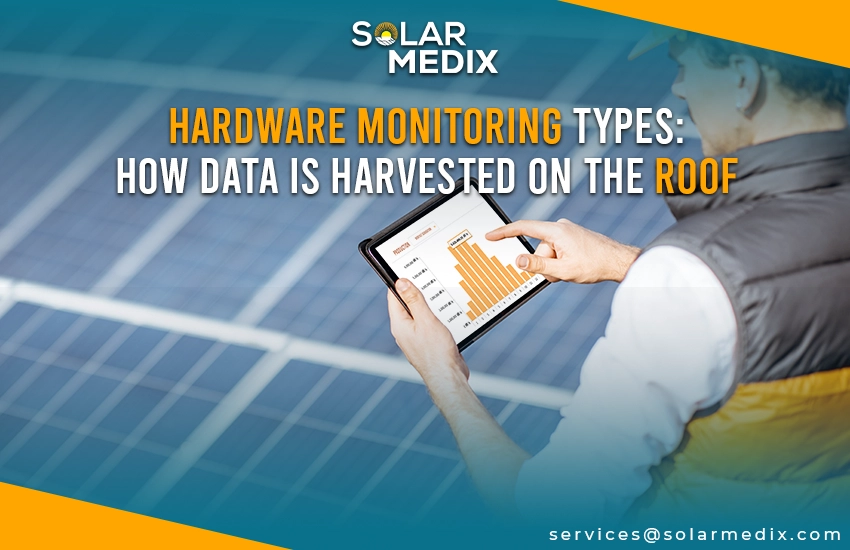
Hardware Monitoring Types: How Data is Harvested on the Roof
Before any data hits your phone, it has to be gathered on the roof. The physical architecture of your solar array determines exactly how detailed your performance data will be. Generally, hardware falls into one of two camps.
1. String-Level Monitoring Systems
Think of string monitoring as the traditional, macro approach. Here, panels are grouped together like a string of holiday lights, feeding their combined direct current (DC) into a single central inverter.
The system reads the total electrical output of the entire string at once. It measures collective voltage and current.
It is highly cost-effective, but it has a major blind spot. If a single panel in a string of ten is covered in bird droppings or cracked by a rogue golf ball, the output of the entire string drops to match that of the weakest link.
The monitoring software will flag a drop in overall performance, but it cannot tell you which panel is causing the bottleneck. You or a technician will have to climb up with a multimeter to find the culprit manually.
2. Module-Level Power Electronics (MLPE) Systems
If string monitoring is a floodlight, MLPE is a scalpel. This setup uses microinverters or DC optimizers attached to every single individual panel on your roof.
Data is harvested independently at the panel level. Every module transmits its own discrete voltage, wattage, and operational temperature.
This completely eliminates the “weakest link” problem. If a passing cloud or a chimney shadow hits panel number four, only panel number four slows down. The rest of your array keeps humming along at maximum capacity.
From a diagnostic standpoint, your software generates a literal map of your roof. If a panel fails, you will see it blinking red on your screen instantly.
Connectivity Types: Where the Data Lives & How It’s Accessed
Once the hardware collects the data, that information needs a home. How that data travels determines whether you can access it during an internet outage or from halfway across the world.
1. On-Site Monitoring (Local & Offline)
This is the old-school, ultra-secure method. The data stays local, living on the hardware itself or a hardwired local network gateway.
Historically, this meant walking outside and squinting at a tiny LCD screen on the side of a string inverter. Today, it involves accessing the inverter’s built-in local Wi-Fi hotspot or tapping into the system via Bluetooth or a physical Modbus connection.
No internet? No problem. On-site monitoring does not care if your local ISP goes down or if your property is completely off-grid in a cellular dead zone. It keeps your data private, safe from cloud security breaches, and ensures you can audit your system’s health even during a total grid collapse.
2. Remote Monitoring (Cloud-Based)
This is the modern standard for the vast majority of grid-tied residential setups.
Your inverter logs data and uploads it to a cloud server every few minutes via your home Wi-Fi network or a dedicated cellular LTE-M chip built into the hardware.
Convenience is king here. You can check your solar production from a beach in Bali or your office downtown.
More importantly, it allows your solar installation company to run remote health diagnostics. If something breaks, they can often flash a firmware update or pinpoint the broken component before they ever dispatch a technician in a truck.
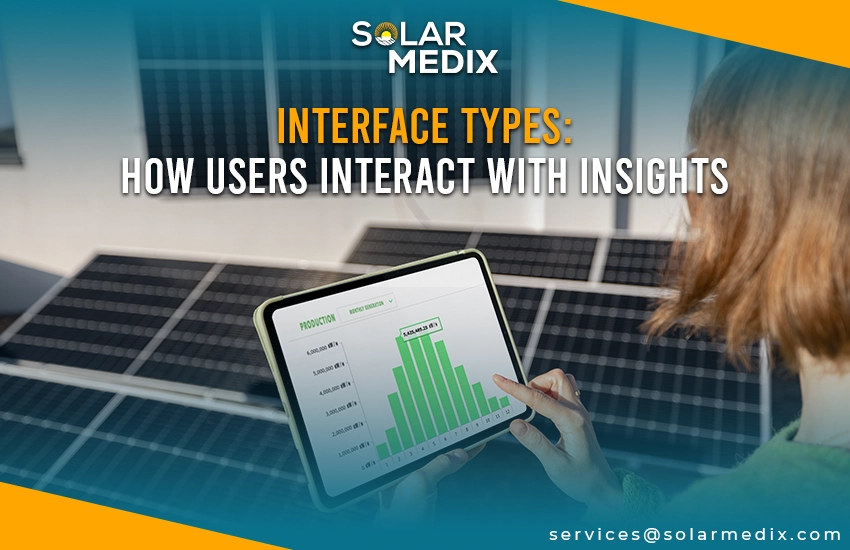
Interface Types: How Users Interact with Insights
Data is useless if you need a data science degree to read it. The interface layer dictates how that cloud-hosted or locally stored information is packaged for human eyes.
1. Mobile App-Based Monitoring
Most homeowners live inside mobile apps like Enphase Enlighten or the Tesla app. These are designed for quick, bite-sized daily consumption.
They rely heavily on clean visuals, intuitive dials, and immediate push notifications. If your system stops producing energy, your phone buzzes.
Mobile interfaces capitalize on quick dopamine hits. They feature gamified environmental metrics, telling you exactly how many trees your daily solar generation is equivalent to saving. It turns energy conservation into a conscious daily habit.
2. Desktop Web Portals
Web portals are where you go when it is time to take off the consumer hat and put on the analyst hat.
Desktop interfaces drop the flashy graphics in favor of raw data density. They offer multi-site comparison tools, granular time-stamped graphs, and the ability to export CSV spreadsheets of your system’s raw history.
If you are trying to calculate the exact seasonal degradation rate of your panels over a five-year period, the desktop portal is your laboratory.
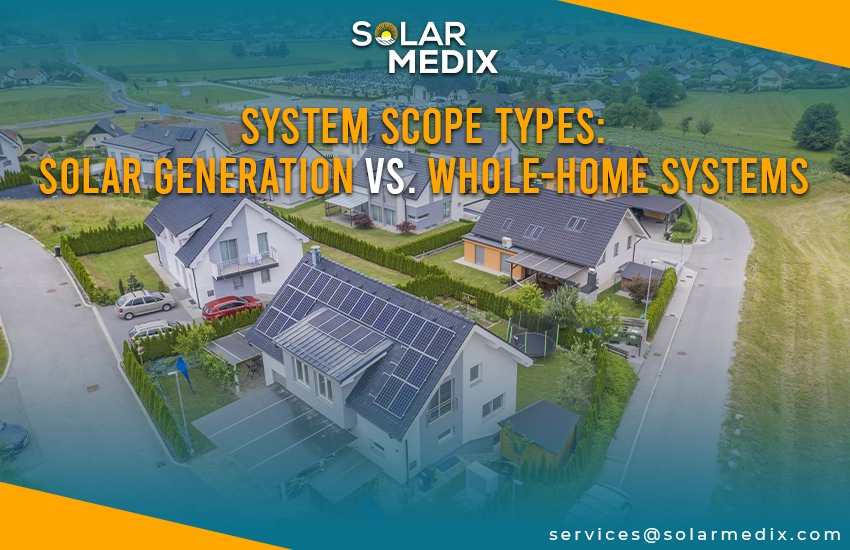
System Scope Types: Solar Generation vs. Whole-Home Systems
Not all monitoring systems look at the same parameters. Some only look outward at the sky; others look inward at your life.
1. Production-Only Monitoring
This software focuses strictly on the solar hardware itself. It answers one simple question: How much electricity are my panels generating right now? It monitors inverter health, total kilowatt-hours produced, and clipping thresholds. It is standard, functional, but limited.
2. Integrated Energy Monitoring (HEMS)
A Home Energy Management System (HEMS) expands the scope to monitor your entire building’s energy ecosystem. By utilizing current transformer (CT) clamps inside your main electrical panel, it tracks both solar production and real-time home electricity consumption simultaneously.
Production-only monitoring tells you that you generated 40 kWh today. Integrated monitoring tells you that you generated 40 kWh, but your air conditioner and clothes dryer consumed 35 kWh of it simultaneously.
This is vital for maximizing financial efficiency. If you know exactly when your home has an energy surplus, you can configure your system to dynamically route that extra power into your electric vehicle or home battery bank, rather than selling it back to the utility company for a fraction of the retail cost.
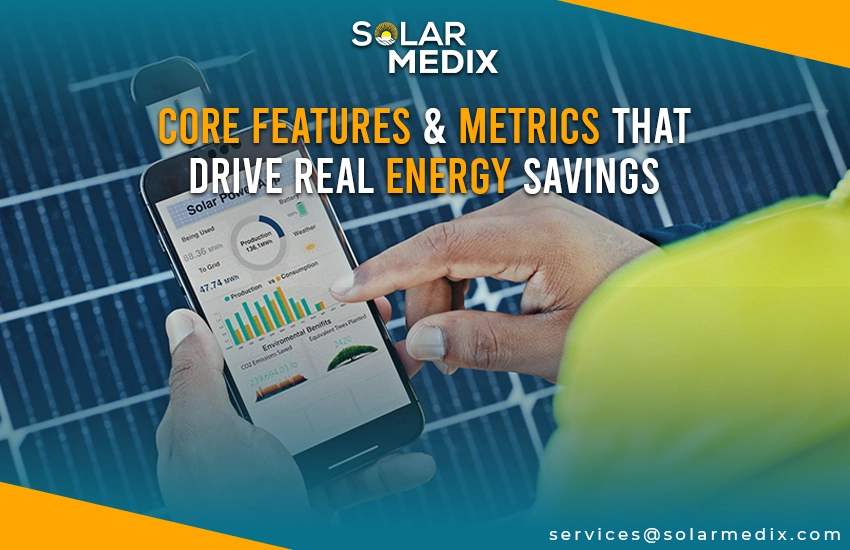
Core Features & Metrics That Drive Real Energy Savings
To truly protect your wallet, you need to know which specific software features to look for on your dashboard. Forget the vanity metrics; these are the tools that recover lost cash.
| Dashboard Metric | Technical Feature | How It Enhances System Efficiency |
| Instantaneous Power (kW) | Real-time generation logging | Catches sudden drops from passing clouds or rapid shadow obstructions. |
| Performance Ratio (PR) | Irradiance vs. generation modeling | Filters out local weather to isolate physical issues like heavy dust. |
| Inverter Clipping Log | Peak capacity saturation alerts | Flags if the inverter is bottlenecking maximum high-noon production. |
| Consumption vs. Generation | Bidirectional grid-tie tracking | Drives efficiency by shifting heavy appliance loads to peak sun hours. |
How to Choose the Right Monitoring System?
Every home has different architectural and financial needs. Use this quick reference matrix to match your property profile to the right combination of tracking dimensions.
| Your Property Profile | Recommended Hardware | Connectivity Choice | Ideal Scope |
| Simple, flat roof with zero trees or shading issues) | String-Level Inverter | Remote (Wi-Fi) | Production-Only |
| Complex rooflines, nearby trees, and dormers, causing partial shade | Module-Level (MLPE) | Remote (Cellular Backup) | Production-Only |
| Has or plans to get an EV, home battery backup, and smart appliances) | Module-Level (MLPE) | Remote (Wi-Fi/Cellular) | Integrated Energy (HEMS) |
| Remote acreage, unreliable cellular networks, and complete self-reliance | String or MLPE | On-Site (Local/Offline) | Integrated Energy (HEMS) |
Take Control of Your PV System with Solar Medix’s Advanced Monitoring Solutions!
At the end of the day, solar panels are just pieces of glass and silicon sitting silently on your roof. They cannot speak up when they are broken, dirty, or struggling against a shadow.
Investing in the right monitoring system with Solar Medix gives your investment a voice. Look up at your roof right now. Are you genuinely managing your daily power, or are you just crossing your fingers and hoping for the best every time the sun comes up?
Stop gambling on your utility savings. Contact Solar Medix today, and let’s turn that silent rooftop fixture into a highly optimized, transparent financial asset.
Frequently Asked Questions
How do you monitor your solar system?
You can monitor your solar system using manufacturer-provided smartphone apps or web dashboards that connect to your inverter via Wi-Fi.
What is the best solar monitoring app?
The “best” solar app is typically the one tied to your inverter brand, as it provides the most precise system-level data.
What is solar PV monitoring?
Solar PV (photovoltaic) monitoring is the continuous tracking of a solar energy system’s performance. It uses hardware like sensors and inverters and software such as apps or web portals to measure real-time energy production or consumption, and ensure component health.
What is the cost of a solar tracker?
Solar tracker hardware and installation costs typically range from $0.15 to $0.35 per watt of installed capacity, adding roughly $500 to $1,500+ per individual panel.